
01
Contact first
Use Contact before sending anything back. Support will confirm the next step.
Have an account? Log in to check out faster.
WD FIX returns
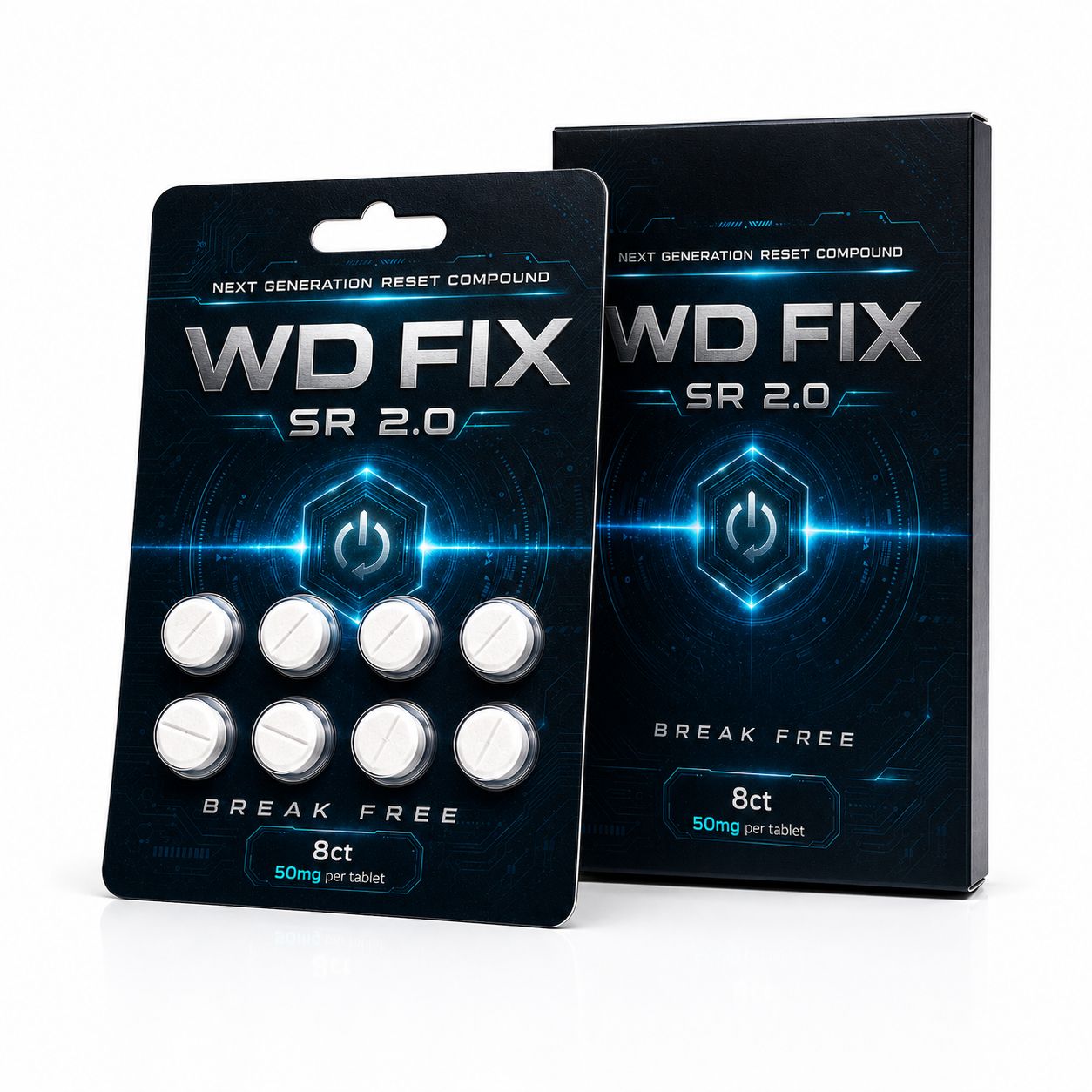
Returns are handled through support before anything is sent back. Unopened sealed packs are the clearest route, and damaged or incorrect orders should be reported with the order number and clear photos.
01
Use Contact before sending anything back. Support will confirm the next step.
02
Unopened sealed packs are the cleanest route for return review.
03
Send the order number, pack count, and clear photos when something arrived damaged or incorrect.
Return review
Every return question starts with the order details. Support checks the order state, pack condition, and reason before confirming the next step.
If the order has not moved into dispatch, support can check whether a change or cancellation is still possible.
Unopened sealed packs are the clearest route for return review. Keep all packaging intact while support checks the request.
Send the order number, pack count, and clear photos of what arrived so support can review the issue.
Return replies are sent through the email used on the contact form or order.
Unapproved returns may not be accepted. Contact support first so the return route, address, and next step can be confirmed.
Need a return reply?
The first message should include the order number, pack count, reason, and any photos if the order arrived damaged or incorrect.
Order number
Support needs the order number to check the order state and return route.
Photos
For damaged or incorrect orders, attach clear photos with the first message.
Shipping
Shipping information sits on the Shipping page and checkout remains the source for live delivery routes.
Join for short WD FIX updates only.