
01
Checkout first
The available delivery route and cost appear at checkout before payment is taken.
Have an account? Log in to check out faster.
Shipping WD FIX
Delivery options are shown at checkout before payment. WD FIX keeps the shipping path practical: plain outer packaging, email updates, and tracking once an order is dispatched.
01
The available delivery route and cost appear at checkout before payment is taken.
02
Orders are planned to move in plain outer packaging with normal order updates.
03
Tracking is sent once the order has moved into dispatch and the carrier route is active.
How it works
Shipping is tied to the checkout setup. Use checkout for the current route and cost, then use the contact page if an order update needs checking.
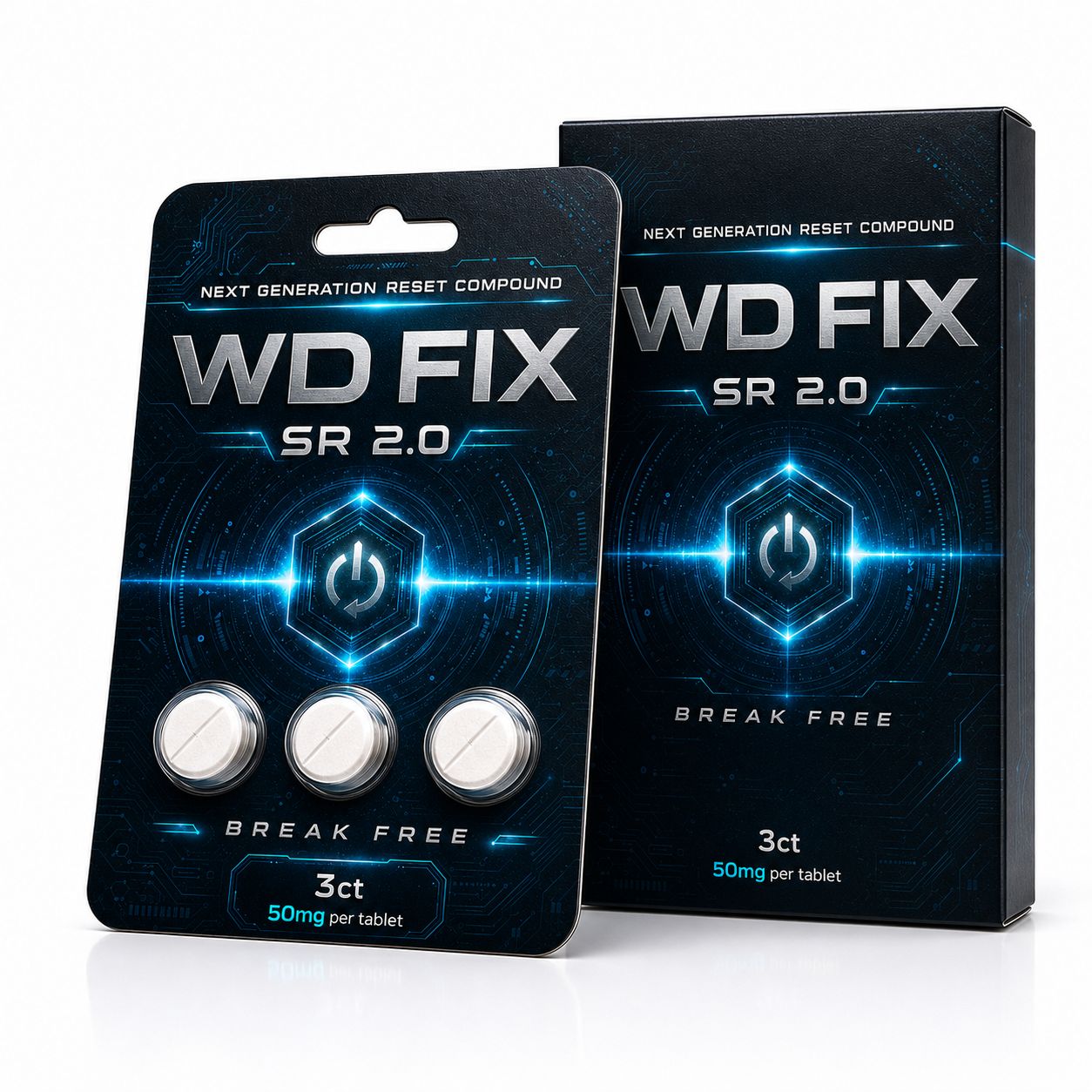
Select 3ct or 8ct, then continue to checkout to see the delivery route available for the address.
Checkout shows available delivery options and cost before payment is taken.
Order confirmation and shipping updates are sent through the email used at checkout.
If something looks wrong, send the order number through Contact so it can be checked directly.
Rates, locations, and available routes can change as the store setup is finalised. The delivery option shown at checkout is the one to rely on before payment.
Need help?
Shipping questions are easiest to check when the message includes the order number, delivery address issue, or the pack count.
Order number
If the question is about an existing order, include the order number so the reply can stay specific.
Address changes
If the order has not moved into dispatch, support can check whether the address can still be adjusted.
Returns
For returns, check the Returns page first and contact support before sending anything back.
Join for short WD FIX updates only.